Create Your own GPT
Transform Your Knowledge into Instant Answers
Empower your team with AI-driven insights that deliver fast, accurate responses directly from your documents.
Instant, Cited Answers at Your Fingertips
Revolutionize Your Information Access
Upload your documents and watch as our AI agent transforms them into quick, cited answers available on your website or within Slack/Teams. This service turns your company documents into a powerful knowledge base, enabling rapid responses to common inquiries. With our solution, you can ensure that your team and clients always have access to the most accurate information, enhancing productivity and trust.
Our AI agent is designed to integrate seamlessly with your existing document systems, providing a smooth transition and immediate benefits. Whether you’re looking to streamline internal communications or improve customer support, our service offers a reliable and efficient solution. Experience the future of information management with Mind2Motion.AI.
The Hidden Cost of Information Chaos

Your team wastes 2.5 hours per day searching for answers buried in documents, Slack threads, and email chains. That’s $18,750 per employee annually in lost productivity. Meanwhile, inconsistent answers create confusion, Sales quotes one price while Finance has another, Support gives outdated troubleshooting steps, and new hires spend weeks learning what should take days.
The bigger your company grows, the worse it gets. Knowledge lives in silos: that critical SOP is in someone’s Google Drive, the pricing sheet exists in three versions (which is current?), and the onboarding checklist Susan created left when she did. Every question requires hunting down the right person who might know the answer, if they’re available.
The brutal math: A 50-person company loses 125 hours daily to information retrieval. That’s 32,500 hours annually, equivalent to 15.6 full-time employees doing nothing but searching for answers. There’s a better way.
Universal Value Features
Comprehensive Company Search
Enable your team to access consistent and accurate information across all departments with a single search tool.
Verified Information with Citations
Provide users with answers backed by original documents, ensuring transparency and trust with every response.
Seamless Platform Integration
Integrate effortlessly with Slack, Teams, and your website for a unified and smooth user experience.
Everyday Questions, Answered in Seconds
Explore how Mind2Motion.AI can streamline your operations by providing instant answers to common queries, enhancing productivity and clarity across your organization.
"How do I request access?"
To request access, simply navigate to the user portal, select ‘Access Request,’ and fill out the necessary details. Our system will automatically process your request and notify you once access is granted.
"Where’s the latest template?"
The latest template can be found in the ‘Resources’ section of our internal portal. Use the search function to quickly locate the specific template you need.
"What’s the naming convention?"
Our naming convention follows the format: [Department]_[DocumentType]_[Date]. This ensures consistency and ease of retrieval across all documents.
What’s our holiday schedule?
The holiday schedule is available on the company intranet under ‘HR Resources.’ It includes all observed holidays and any additional company-specific days off.
How do I submit PTO?
Submit your PTO request through the HR portal by selecting ‘Time Off Request.’ Ensure you provide the dates and reason for your leave, and await approval from your manager.
What’s our travel policy?
Our travel policy is designed to ensure safety and cost-effectiveness. Detailed guidelines can be found in the ‘Travel’ section of the employee handbook, accessible via the HR portal.
Where’s the current pricing sheet?
The current pricing sheet is stored in the ‘Sales’ folder on our shared drive. It is updated monthly to reflect any changes in pricing or product offerings.
What’s the troubleshooting sequence?
For troubleshooting, follow the sequence outlined in the ‘Support’ section of our knowledge base. This includes step-by-step instructions to resolve common issues efficiently.
How do we escalate?
To escalate an issue, use the ‘Escalation Form’ available on the support portal. Provide all relevant details and select the appropriate priority level to ensure timely resolution.
What's Information Chaos Costing You? Do the Math.
A 50-person company loses 32,500 hours annually to searching for answers, that’s 15 full-time employees worth of productivity gone. A Lite Knowledge Base AI agent gives your team instant access to policies, SOPs, pricing, and procedures from a single search. Syncs with Google Drive, SharePoint, Confluence, and more. One investment. Permanent access. You own it outright.
Built for Every Team
Executives
Streamline policy clarity and deliver KPI one-pagers efficiently.
People Ops/HR
Create comprehensive handbooks, manage PTO, and streamline onboarding.
IT/Help Desk
Ensure seamless device setup, app access, and enforce security policies.
Operations/Field
Implement SOPs, maintain checklists, and prioritize safety notes.
Sales/CS
Give reps instant access to product FAQs, pricing rules, and playbooks, speeding responses and improving consistency.
Finance/Admin
Centralize expense policies, vendor forms, and close checklists so teams follow the right steps every time

Enterprise Compliance & Governance
Version Control with Automatic Updates
When regulations change or policies are revised, your AI knowledge base immediately references the latest approved version without manual updates or retraining. The system maintains complete version history, showing which policy was in effect at any given time—critical for audits.
Audit Trail Documentation
Every query, answer, and document access is automatically logged with timestamps, user identities, and exact information provided. In investigations or audits, you can instantly produce evidence showing what information was available to staff at specific moments, protecting your organization from negligence claims.
Reduces Compliance Risk
The AI automatically stops citing old versions the moment new policies are uploaded, eliminating the dangerous gap where employees unknowingly follow outdated procedures. This consistency dramatically reduces exposure to penalties and regulatory sanctions from obsolete guidance.
Policy Enforcement Automation
The AI pulls answers exclusively from your designated “approved” document repository, preventing employees from following outdated procedures or unofficial guidance. Administrators control which documents the AI references, creating a single source of truth that regulatory bodies can verify.
Works Inside Your Team's Favorite Tools
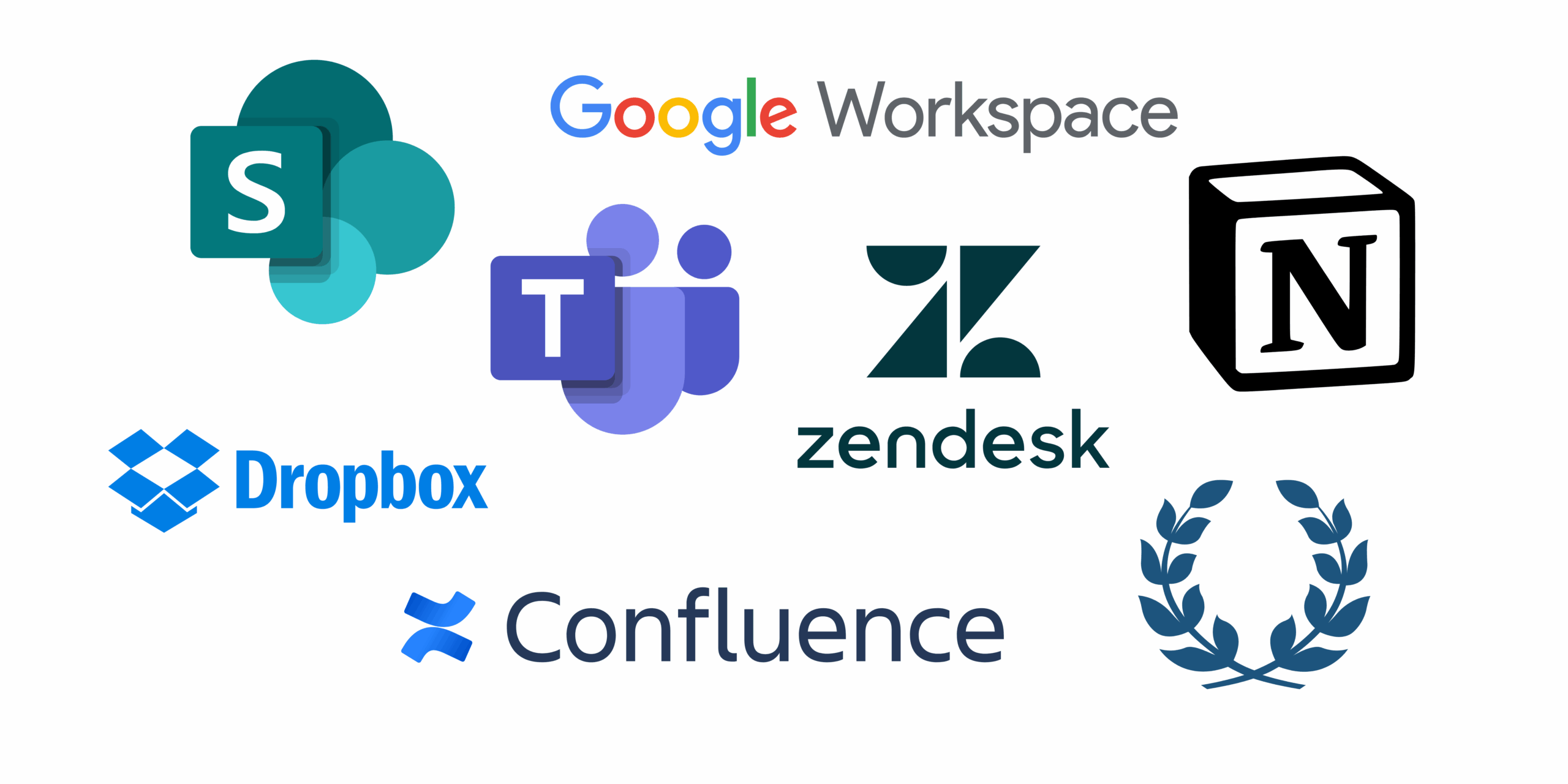
Deploy your AI knowledge base agent wherever your team already works including Slack, Microsoft Teams, web portal, or email. Integrates with document storage (Google Drive, SharePoint, Confluence, Notion) to sync your knowledge base automatically. No app-switching required—answers appear instantly in your existing workflow.
Explore Our Process
Step 1
Collect & Organize
Begin by gathering all your approved FAQs, SOPs, policies, and product sheets into a single, accessible folder.
Step 2
Index & Configure
We configure your knowledge base, set confidence thresholds, and enable citations to ensure accurate responses.
Step 3
Go Live & Improve
Embed the AI agent in your org and use weekly analytics to refine and update your knowledge base.
What Teams Usually See in 30 Days
Answers in Seconds
Our AI system delivers precise responses quickly, ensuring your team can move forward without delay.
30–50% Fewer Repeat Questions
By providing accurate and consistent answers, our platform significantly reduces the need for repeated inquiries.
Consistent, cited guidance across teams
Consistent, cited guidance across teams so everyone answers correctly and confidently, faster.
Common Queries Answered
Discover answers to the most frequently asked questions about our AI-powered knowledge base service.
How does it handle conflicting information?
If your documents contain contradictory information, the AI prioritizes based on: 1) Most recent update date, 2) Designated “source of truth” folder hierarchy you configure, 3) Document authority level you assign. It will also flag conflicts: “I found two different answers—which should I use?” prompting you to resolve the inconsistency.
Can it search multiple systems at once?
Yes. The AI can search across Google Drive, SharePoint, Confluence, Notion, Dropbox, and internal wikis simultaneously, giving one unified answer regardless of where information lives.
What about security and permissions?
The AI respects your existing permissions. Sales can’t query Finance-only documents, contractors can’t access employee-only policies. Role-based access ensures information security while providing relevant answers.
How often does it sync with our documents?
Real-time for some integrations (Google Drive, SharePoint), every 15 minutes for others. When you update a document, the AI automatically references the new version, no manual refresh needed.
Can we customize the AI's tone/style?
Absolutely. Configure it to match your culture: formal and corporate, friendly and casual, or technical and precise. We can even add company-specific language and acronyms.
What happens when the AI doesn't know?
Instead of guessing, it responds: “I couldn’t find that information in our knowledge base. Would you like me to: 1) Ask [Department/Person], 2) Create a ticket, or 3) Search external resources?” It then learns from the answer for future queries.
Turn Your Documents Into Instant Answers
See how a Lite Knowledge Base AI agent can give your team cited, accurate responses in seconds, deployed in Slack, Teams, or your website. One investment. No per-user fees. You own it.